Film & TV series - The dailies workflow
With the dailies workflow on KLASH, you can upload dailies clips directly from set through camera to cloud, organise your clips in dailies folders, add metadata from Avid and Pomfort Silverstack, view in beautiful full-screen mode on desktop computers, Android, and the native iOS app for iPhone and iPad, and easily find the clips you are looking for with powerful search features.
Note: The Film & TV series plan gives you unlimited users and the storage needed for a fixed price. Contact us.
View on desktop computers, Android, and iOS for iPhone and iPad
When viewing dailies on desktop computers and Android, the supported browsers are Google Chrome, Microsoft Edge, and Apple Safari.
The native iOS app for iPhone and iPad is the most powerful app for viewing dailies. It comes with the latest search features, AirPlay support, and offline mode.
Learn more about the KLASH Viewer App on iOS.
Download the KLASH iOS Viewer App on App Store.
Uploading dailies
You can upload dailies clips camera the cloud, through the KLASH Desktop App with Watch Folders, e.g., local folders on your computer that synchronise your files with KLASH in the cloud, drag-and-drop browser upload, and more. Learn more about Uploading methods and Supported file formats and codecs.
Download the KLASH Desktop App.
Transcoding
With KLASH, you can customise the transcoding workflow. By default, KLASH will transcode the uploaded file into 1080p HD and 480p. On KLASH, the uploaded file is left untouched and referred to as the Original. You can download any version from KLASH.
To save time and money, the recommendation is to turn off transcoding and upload your dailies clips in a playback-ready format and codec. Your files will move directly to fast-track by skipping the transcoding workflow. A playback-ready format is any type of MP4-file, where a resolution of 1080p is usually more than enough.
Learn how to customise Transcoding.
Adding your metadata
Add metadata manually or import your metadata from Avid or Pomfort Silverstack for improved search and discoverability. Learn more about Labels and metadata.
Searching and navigating
You can pin metadata search and filter options to simplify searching and navigating. There are two settings: company-pinned and project-pinned metadata. Company-pinned metadata relates to the global search feature, while project-pinned metadata relates to specific projects. Learn more about company- and project-pinned metadata in Labels and metadata.
Watermarking
Protect your content by enabling dynamic watermarking. Making it possible to show the viewer's email address, IP number, logotypes, and more. Learn more about Watermarking.
Onboarding the project members
You can invite the users directly from your project on KLASH by email. It's also possible to add users in bulk using an XML or Single Sign-On (SSO) to automatically map users to specific projects and resources upon sign-in. Learn more about Inviting project members and how to set up SSO for Enterprise.
For viewing dailies, the recommendation is to set the project members' role to Viewer, which will hide the commenting and annotation tool. Making KLASH more of a full-screen viewing experience. Learn more about Roles and permissions.
Note: If the project requires 2FA and the project members belong to the same organization, you can verify your company domain and enable SSO on your own. If the project members belong to different organizations, then you need to contact KLASH support. Contact us.
Notifying the users of new dailies
On KLASH, the DIT is in control of the notifications sent out to users. This is to be able to prepare, organize, and add metadata to the clips before notifying the project members. Thus, notifications are not sent automatically for new file uploads. Learn more about Notifications.
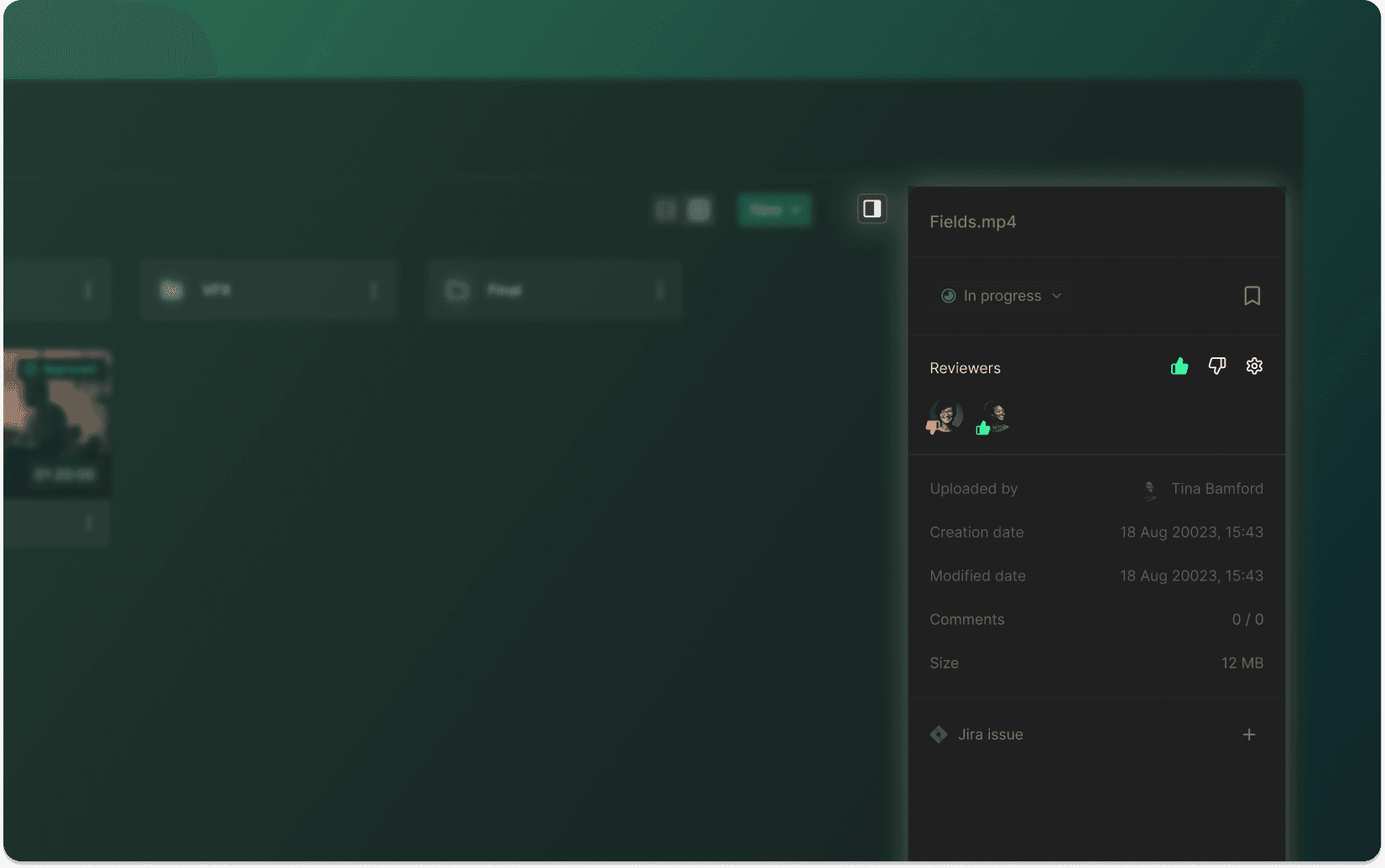
You can change the status of files and folders to notify all or selected project members of new files. Custom statuses let you change the default statuses (No status, In progress, Needs review, and Approved) to statuses more suitable for the dailies workflow, e.g., No status, In progress, New dailies, New cuts, Needs review, Approved, etc. Learn more about Statuses.
You can also assign one or more people responsible for the final sign-off. Learn more about Assigned reviewers.
Security
KLASH is a proud member of the Trusted Partner Network (TPN), powered by the Motion Picture Association (MPA), and committed to building and supporting a strong community network dedicated to keeping content safe. The Motion Picture Association consists of Disney, Netflix, Paramount, Prime Video & Amazon MGM Studios, Sony, Universal, and Warner Bros. Discovery. The Trusted Partner Network's best practices and guidelines prevent leaks, breaches, and hacks of pre-released, high-value media content. Learn more about KLASH security.
Navigation
Company
Social