SSO and SCIM
With KLASH Single Sign-On (SSO) and System for Cross-domain Identity Management (SCIM), you get enhanced security, simplified user control, the possibility to automatically map groups of users to projects on KLASH, and assign them the right roles and permissions.
Note: SSO and SCIM are Enterprise features, and you must first verify your domain with KLASH. Learn more about KLASH Enterprise and how to verify your domain KLASH Enterprise.
Enabling SSO
After verifying your domain, the recommendation is to start by enabling SSO and ensuring the integration works smoothly before continuing with SCIM.
Supported SSO methods include on-premises ADFS and SAML Identity Providers (such as ADFS, Entra ID, Google, Okta, and more). As a Company Admin, you can set up SSO on your own by following these steps:
Navigate to your workspace in the left side panel, and click Settings.
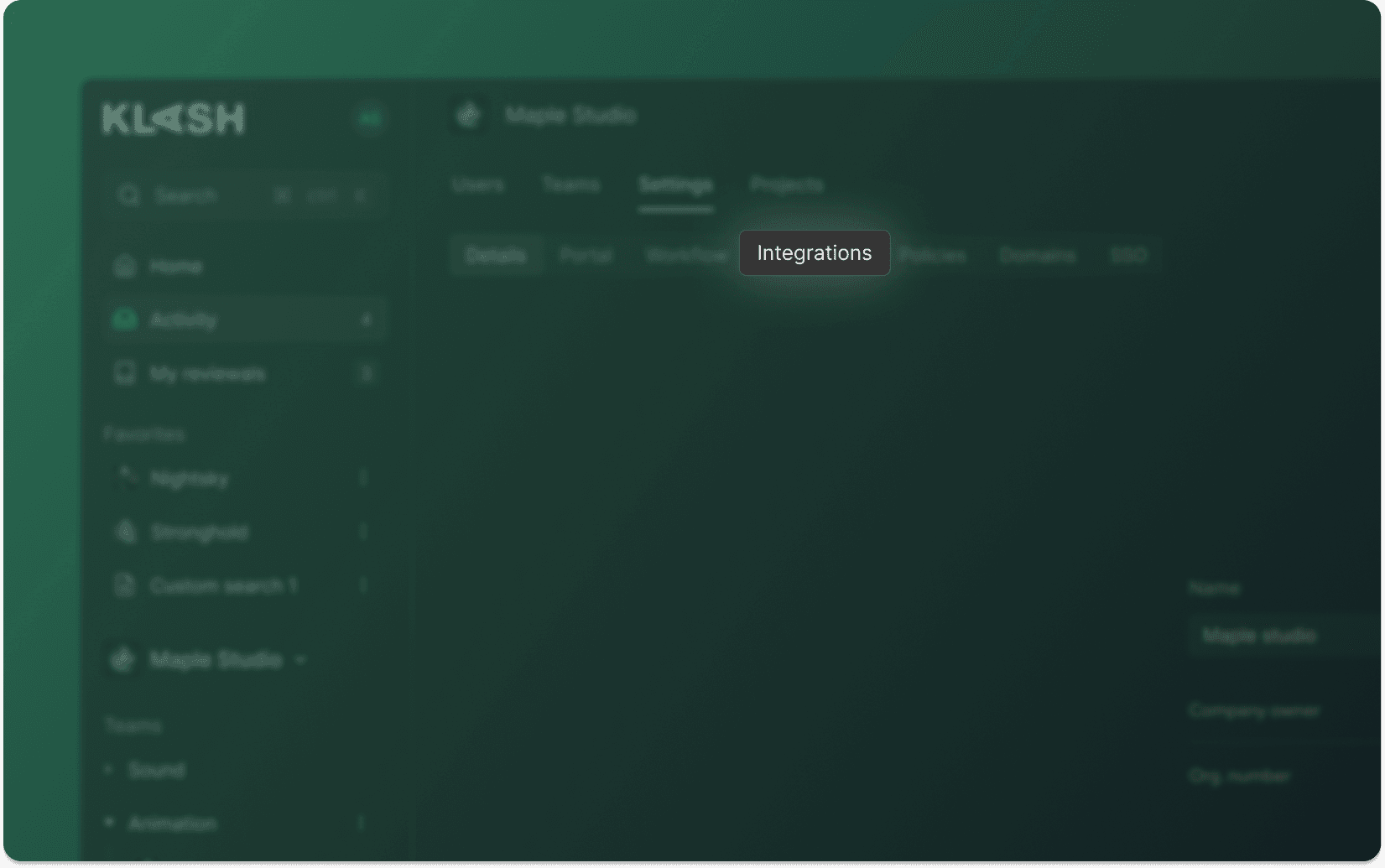
Click on Integrations, and then Single Sign-On (SAML).
Click Connect, and follow the step-by-step guide.
Forcing SSO
With KLASH, you can have different SSO settings for internal users - users with a verified domain - and external users. Unless you manage the external users in an AD or have an authorized workspace requiring every user to sign in using an SSO method, the recommendation is to force SSO for internal but not for external users. Force SSO by the following steps:
Navigate to your workspace in the left side panel, and click Settings.
Click on Portal.
Settings are Require SSO for verified users, Require SSO for external users, Require Two-Factor Authentication, and Allow registration.
Contact the KLASH support if you encounter any problems. Contact us.
Enabling SCIM
SCIM is an open standard protocol that automates the exchange of user identity information across different cloud applications and IT systems. It simplifies identity management by securely syncing user data - like names, emails, and group memberships - between identity providers and connected apps. Read more.
After SSO has been enabled on KLASH, enable SCIM by the following steps:
Navigate to your workspace in the left side panel, and click Settings.
Click on Integrations, and then System for Cross-domain Identity Management (SCIM).
Click Connect, and follow the step-by-step guide.
Contact the KLASH support if you encounter any problems. Contact us.
Navigation
Company
Social