Ghosting (Onion skinning)
This feature is used alongside Sketching.
Create animation sketches by sketching on multiple frames.
How to use Ghosting
Enable Sketch.
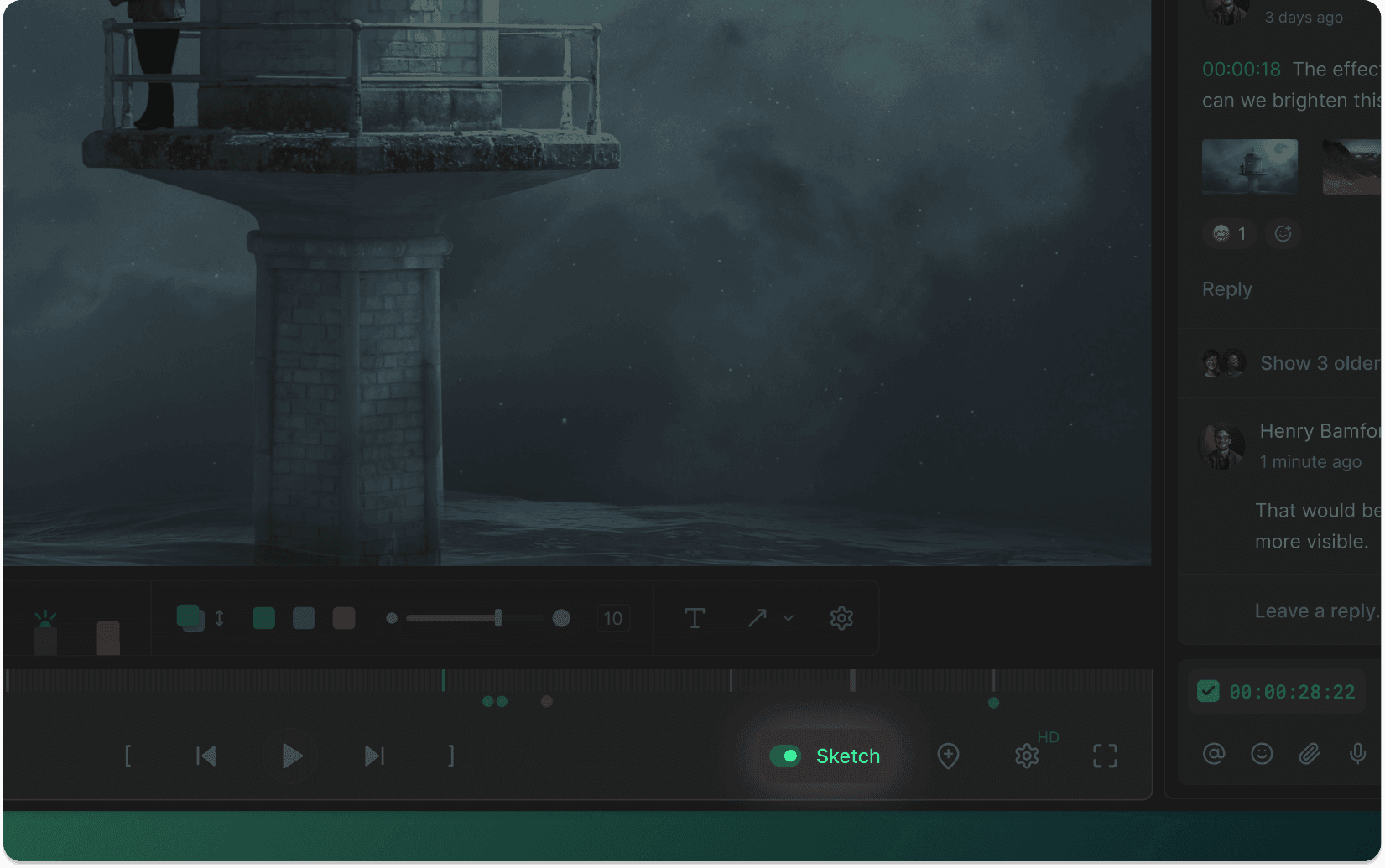
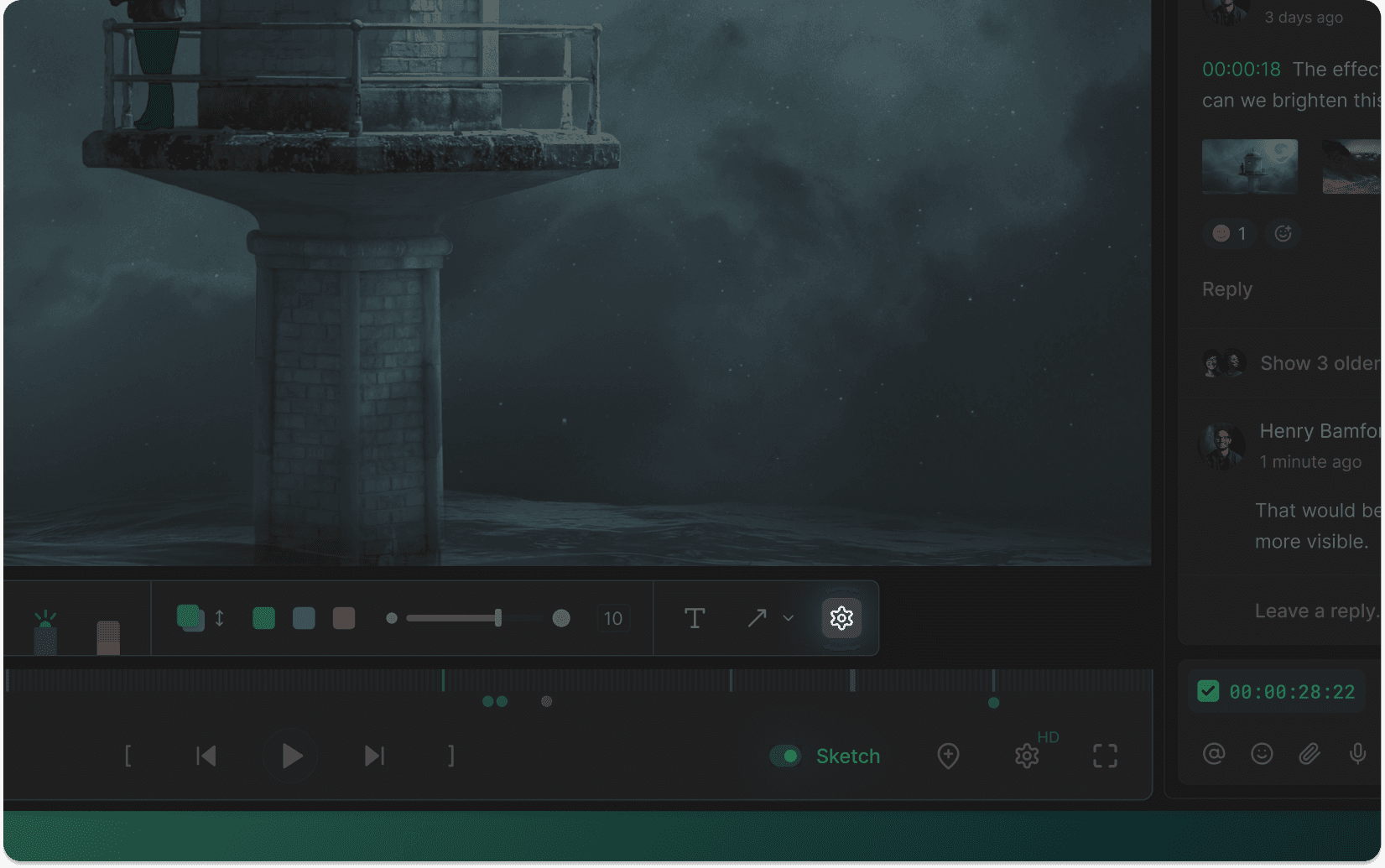
Click on settings on the draw panel.
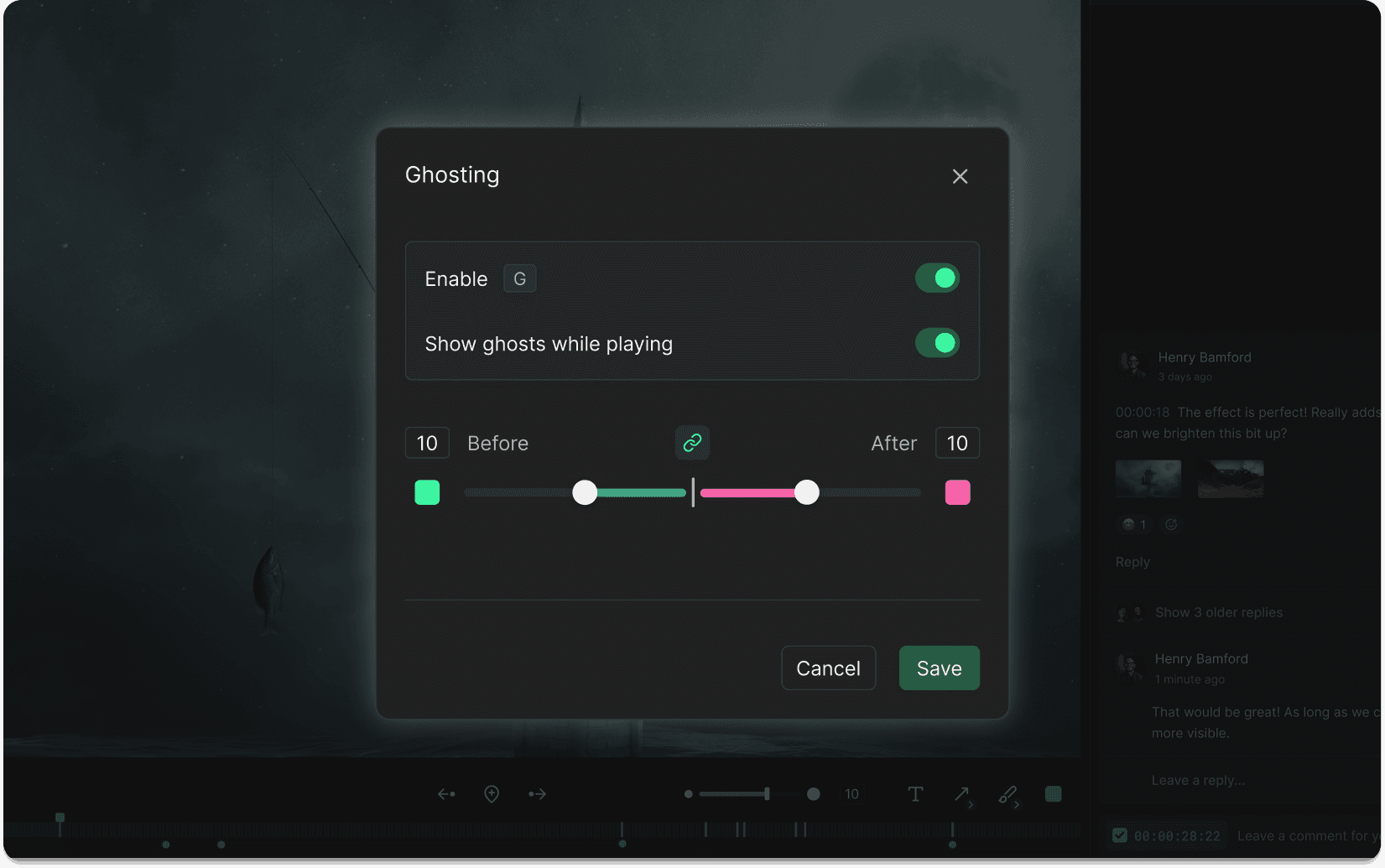
The Ghosting settings allows you to customise fade in and fade out frames. Enable Show ghosts while playing to let your viewers see your ghosts while watching the video.
Press G to enable Ghosting.
Press Shift+G to open the Ghosting modal.
Navigation
Company
Social