Analytics
With share links for external users, you can see who viewed your content and for how long. See analytics by the following steps:
Firstly, you must create a link for an external user. The recommendation is enabling email Two-factor or phone Two-factor, since this will help you verify the recipient of the link. Learn more about Sharing links with external users.
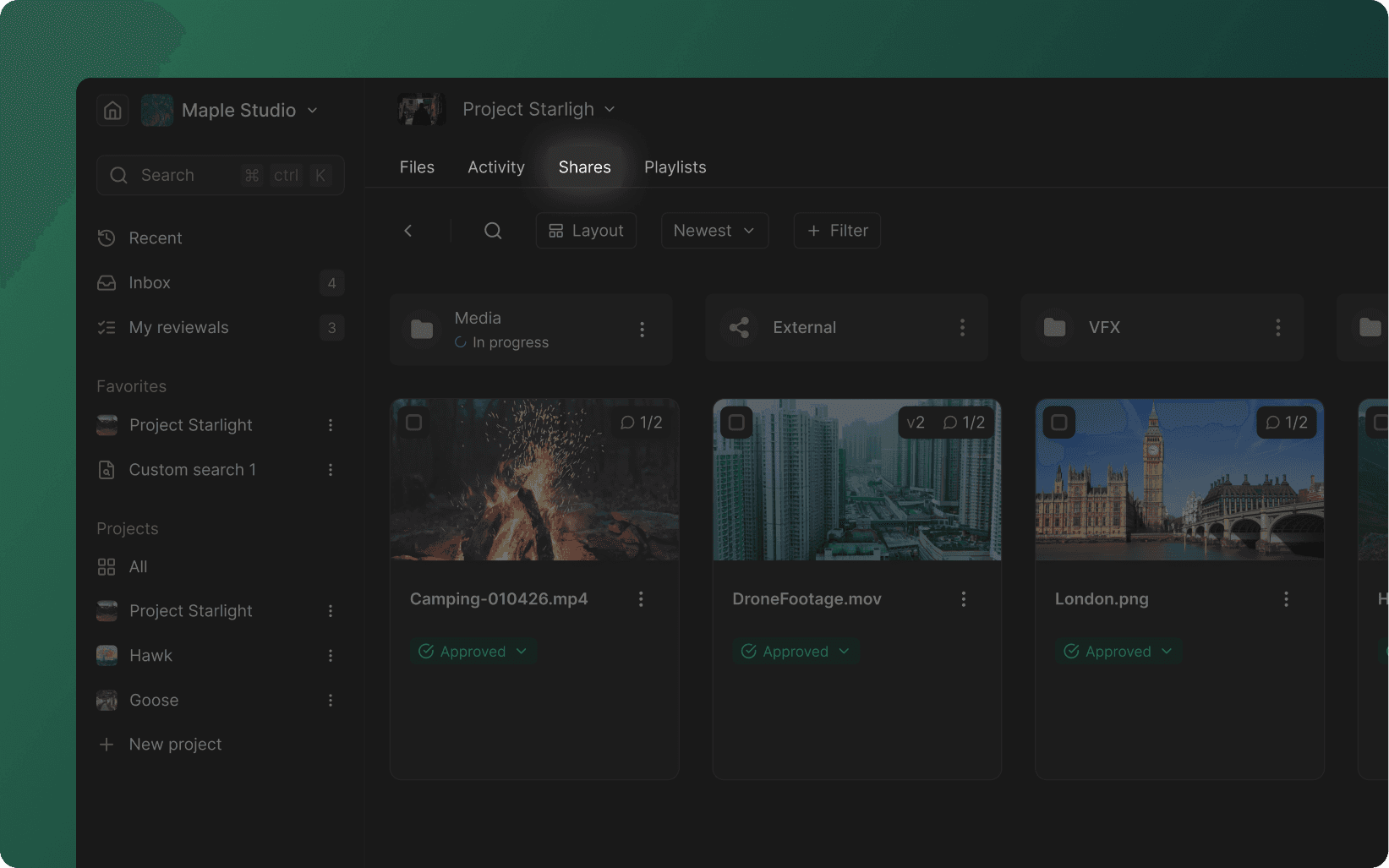
Navigate to the project in which you created the link, and click Shares in the navigation panel at the top.
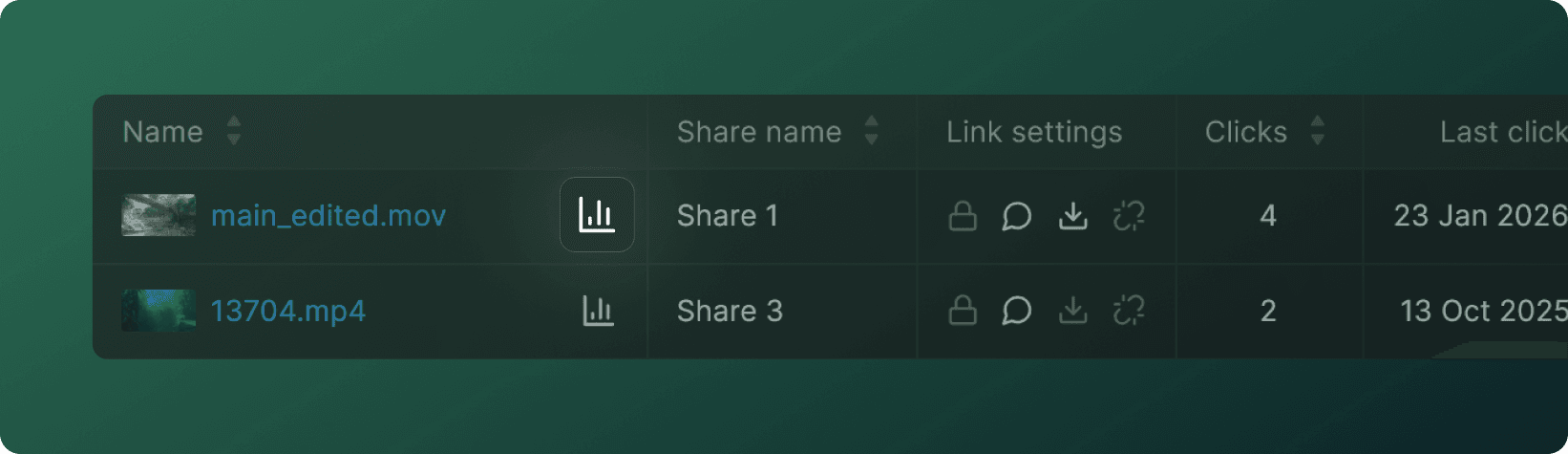
Click on the Analytics icon directly to the right of the name of the link.
Navigation
Company
Social